For when you just
need to be heard.
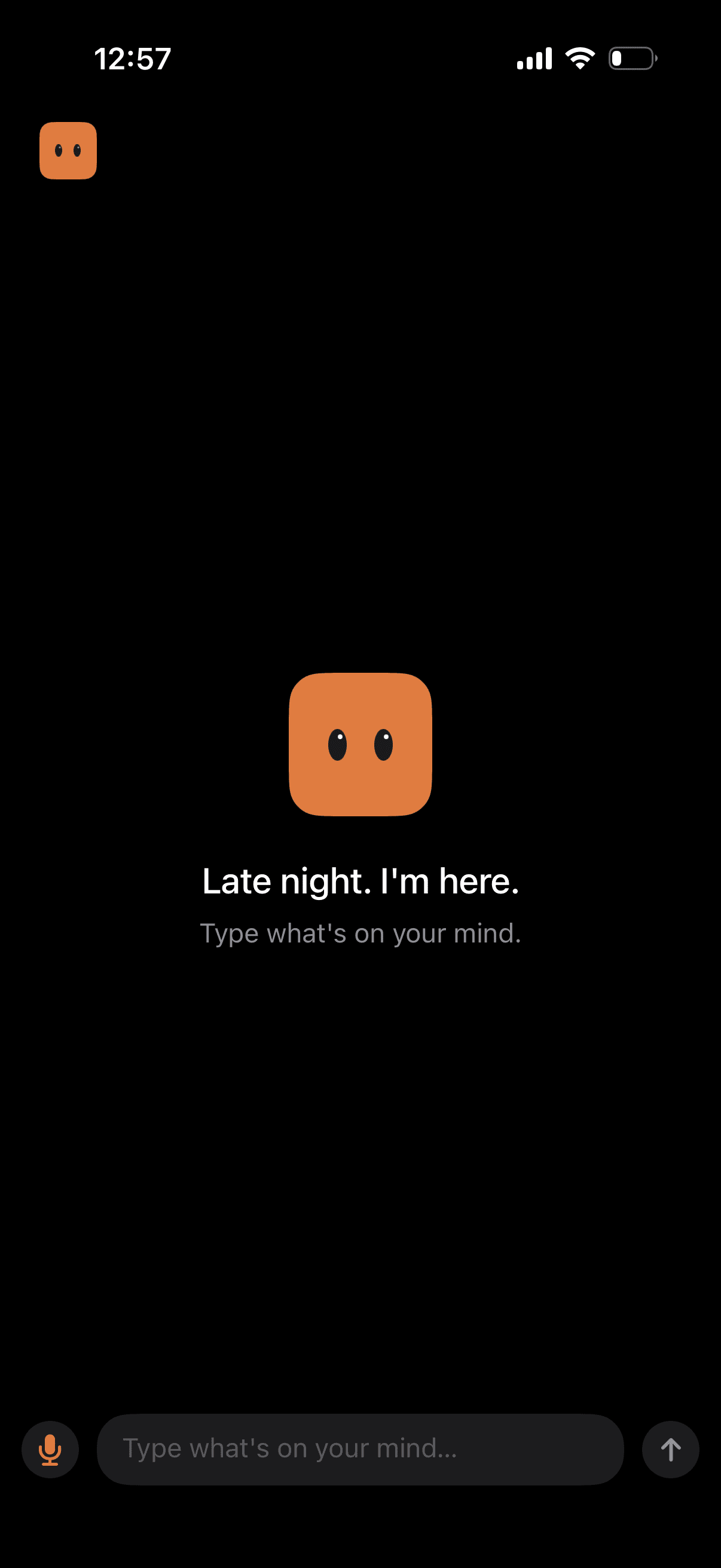
A small on-device listener. No one watching.
01 · Listening
A sanctuary
for thoughts.
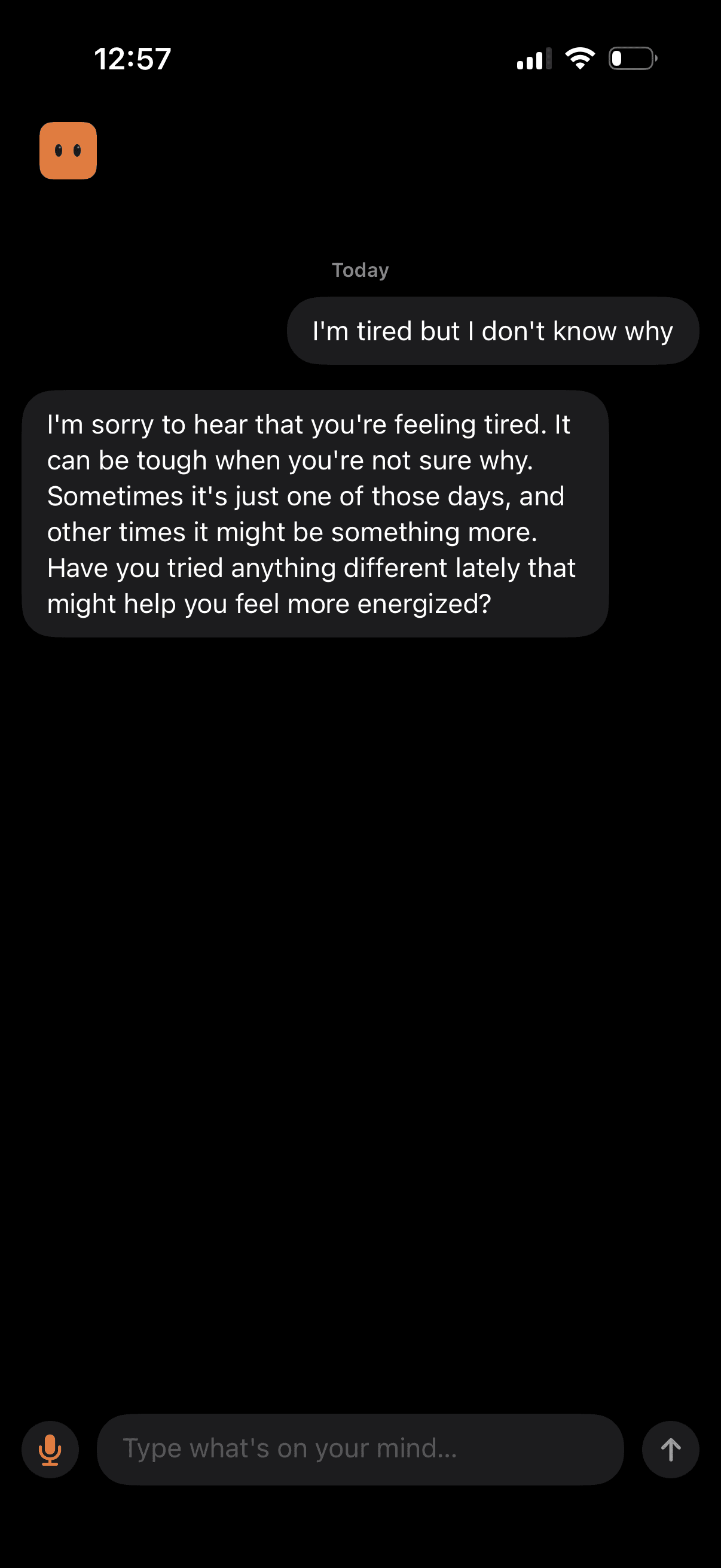
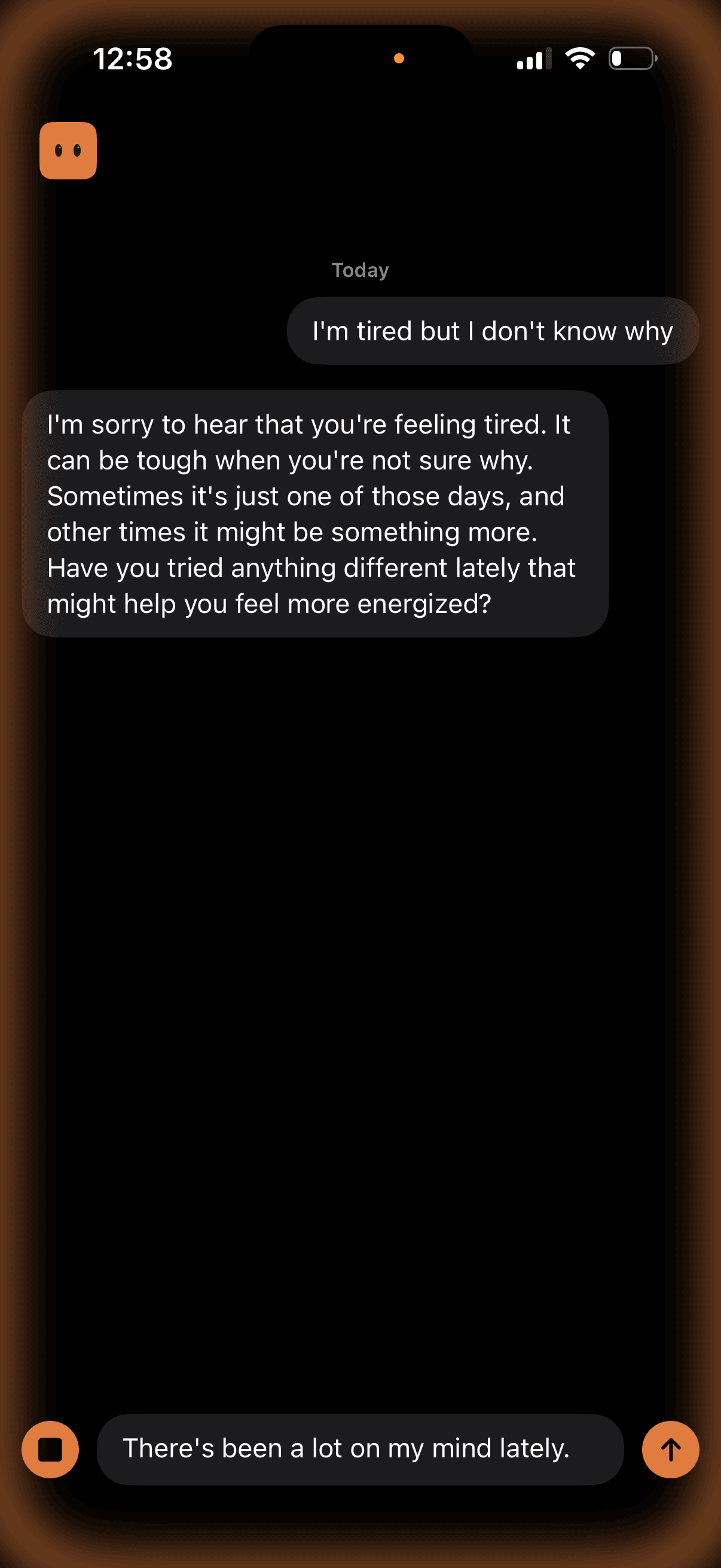
When you need to unload, Nod listens without fixing. Nothing leaves your phone. No servers, no accounts, no tracking, just you, talking.
"Your job is not to solve problems. Speak like a real person who cares." — from Nod's listening prompt
02 · Offline
Listens even when
you can't connect.
On a plane. In a tunnel. On a trail with one bar. The entire conversation runs on the same chip that renders this message. No network required.
Apple Intelligence is ready the moment you install. Switch engines in settings and the weights download once, then they're yours forever. After that, Nod is as offline as your camera.
03 · Engines
Pick the mind
that listens.
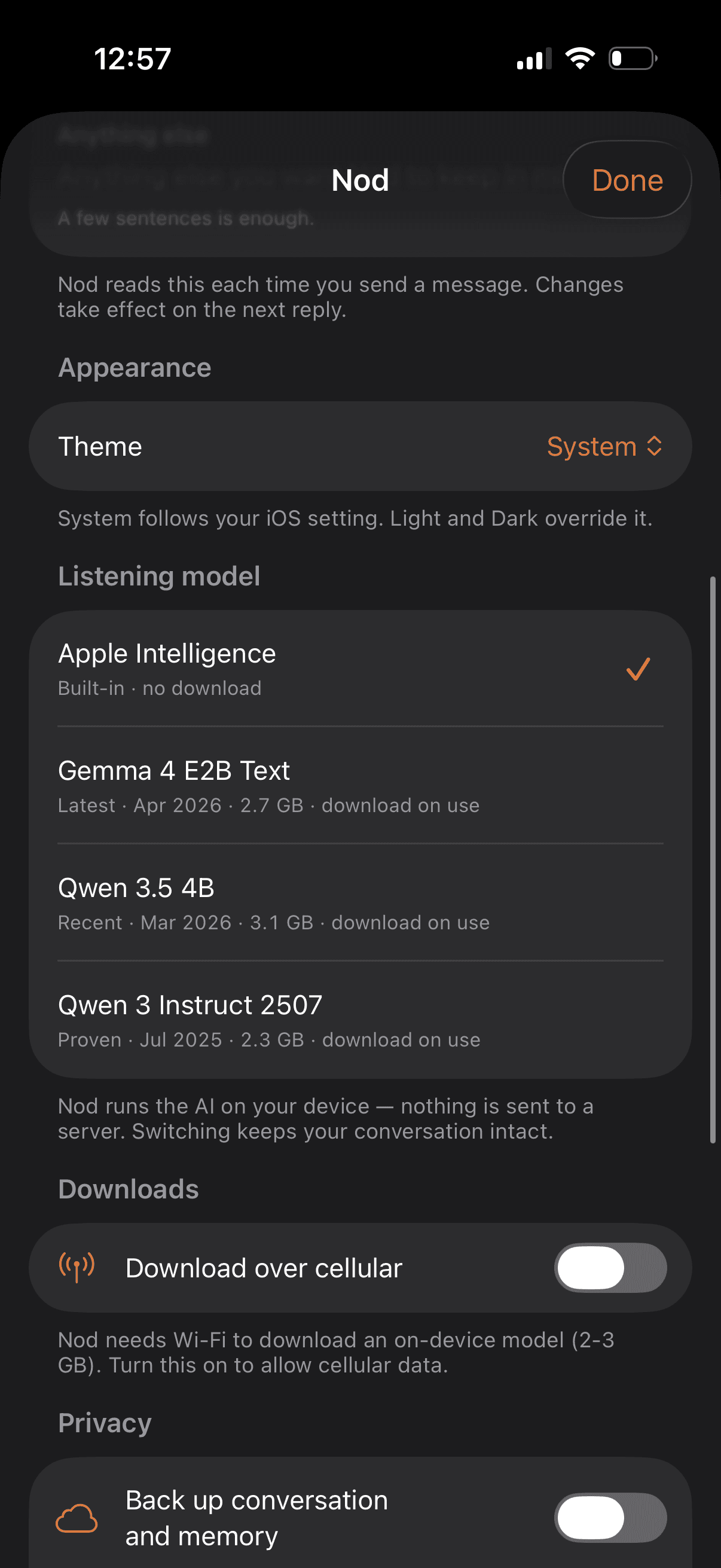
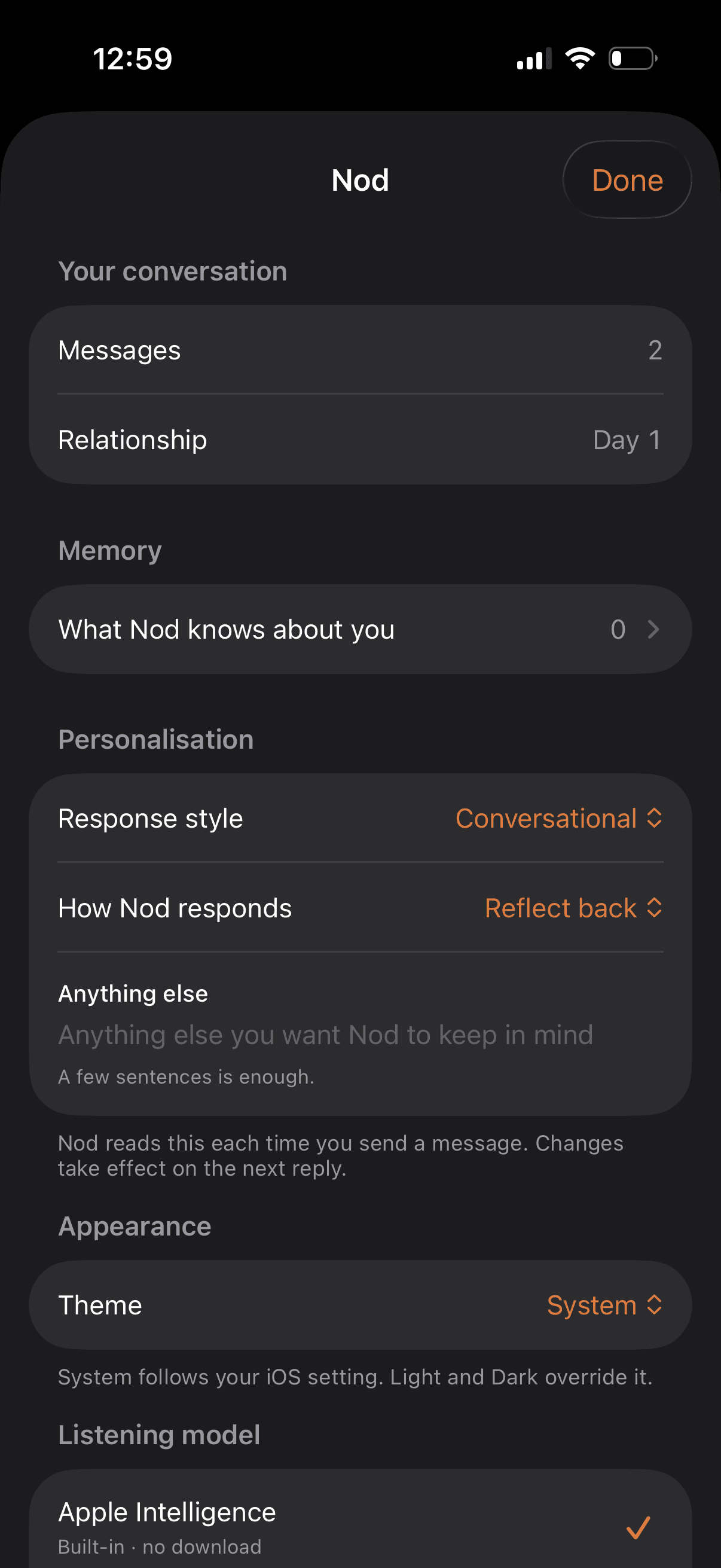
Nod ships with four on-device engines. Apple's own model is the default, so Nod works the second you open it. No download, nothing to configure.
Prefer open weights? Switch to Qwen 3 Instruct, Qwen 3.5 4B, or Gemma 4 E2B. Nod pulls them once, then runs them entirely on your phone.
04 · Memory
What matters to you,
on your phone.
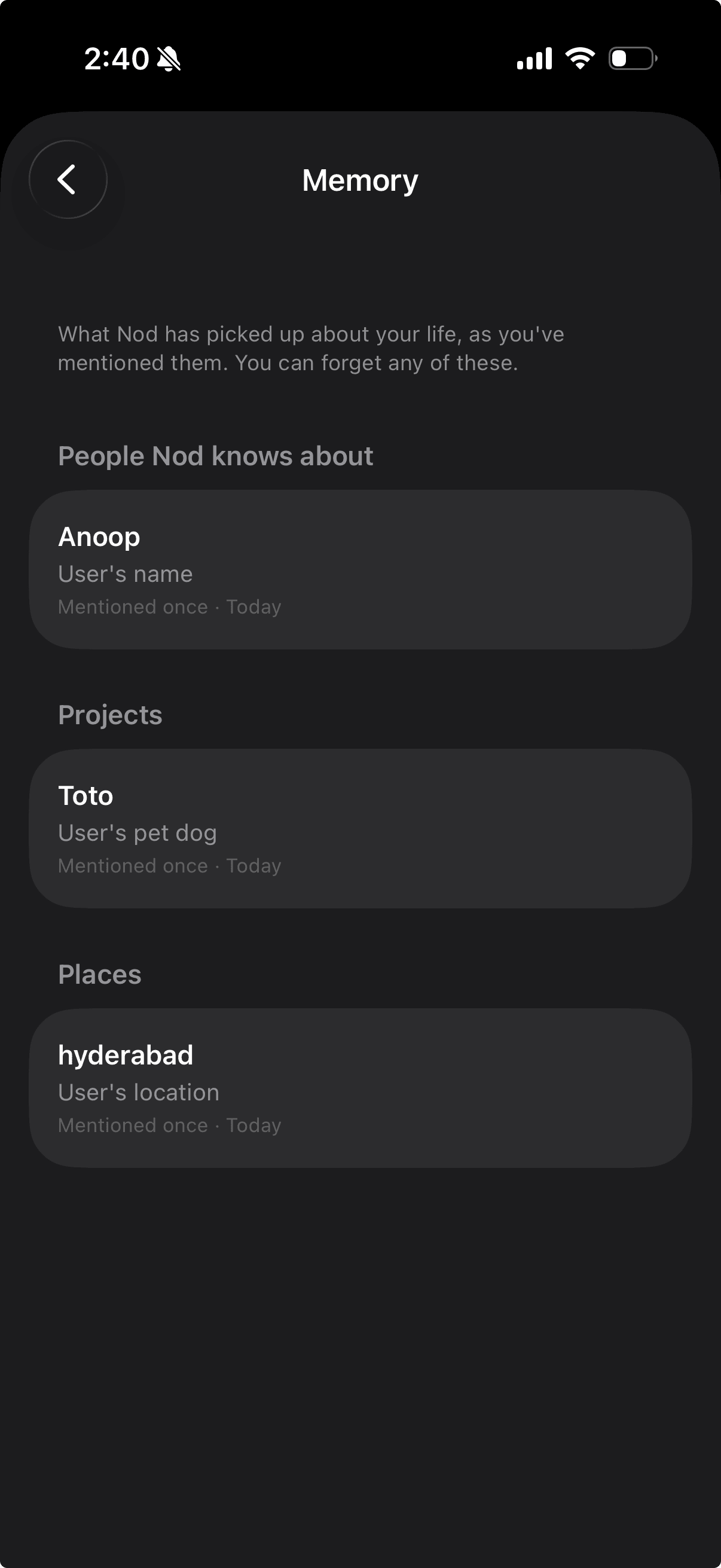
After each conversation, Nod picks up the details that seem to matter — the people in your life, the things you're working on, the situations you keep coming back to.
Swipe any entry away. Tap Start fresh to wipe the whole thing. No profile builds up in a data center somewhere, because there is no data center.
05 · Voice
Or just talk.
Tap the mic and start speaking. A warm orange glow hugs the edge of the screen while Nod listens. It commits when you pause. No tap required.
Transcription runs on-device using iOS 26's
SpeechAnalyzer. What you say
never leaves the phone, not even for
speech-to-text.
06 · Personal
Make it yours.
Two quiet pickers and a free-form field shape how Nod talks to you. Shorter or deeper, pure listening or a little reflection.
Add a line about yourself and Nod tucks it into every response. A companion that actually sounds like someone who knows you.
07 · Private
Keep it yours.
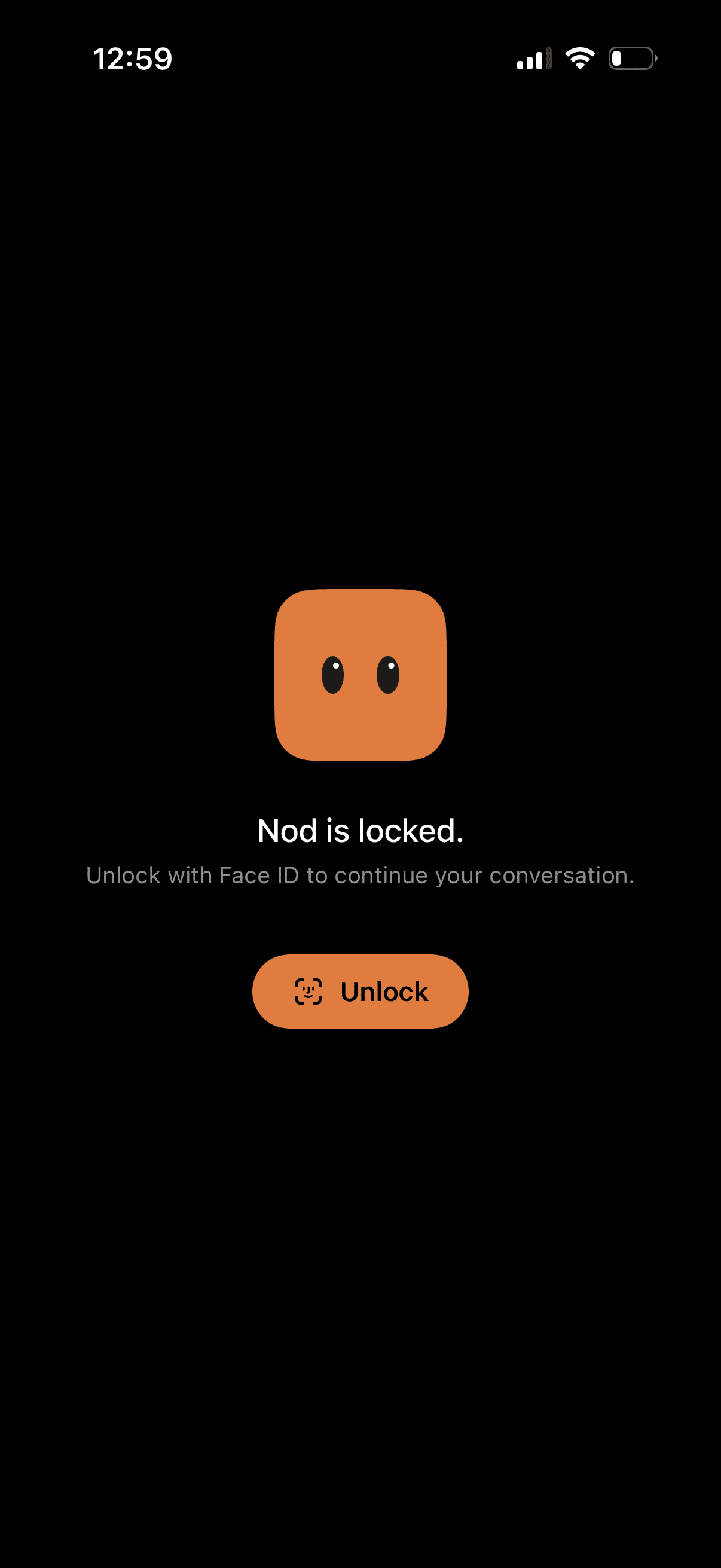
Turn on Require Face ID and the whole app sits behind biometric auth. Close it, open it, the conversation waits for you.
Nobody else gets in. Not a partner glancing at your phone, not a friend passing it around. What you tell Nod stays with Nod.